


 Children 0-16
 Youth 17-24
 Students
 Accessibility
 Luggage
 Animals
 Disruptions
 Tram
Tram
Schedules and routes - User guide
The Nysse Timetable Service provides bus and tram timetables as well as up-to-date service disruption information. Plan your journey and easily check upcoming departures.
You can access the Timetable Service at nysse.fi/timetables or directly from the Timetables and Routes section in the main menu on the Nysse website.
If you need more precise door-to-door directions, use the Nysse journey planner.
Routes without a regular timetable, such as event shuttle services 101, 102 and 104 or school service 109, are not shown in the Timetable Service. Timetables for these routes are available in the Nysse Journey Planner whenever the services are operating.
Instructions
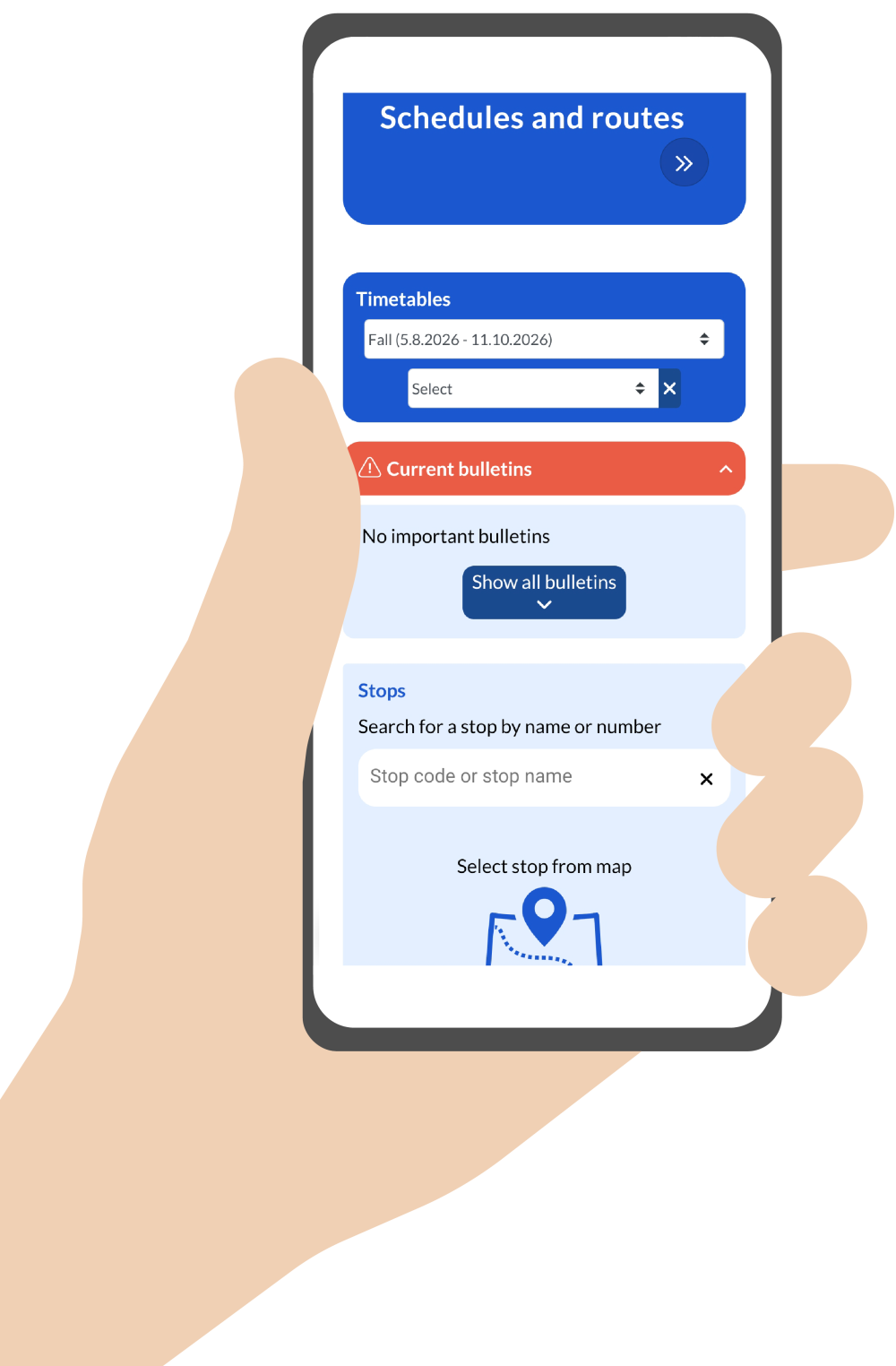
Select the season for which you want to view the data.
You can select seasons based on their start and end dates, as well as any special days within those seasons, to see how public transit arrangements and service offerings change depending on the season.
For more information on events, days with special schedules, and special public transit arrangements, please see the service calendar.
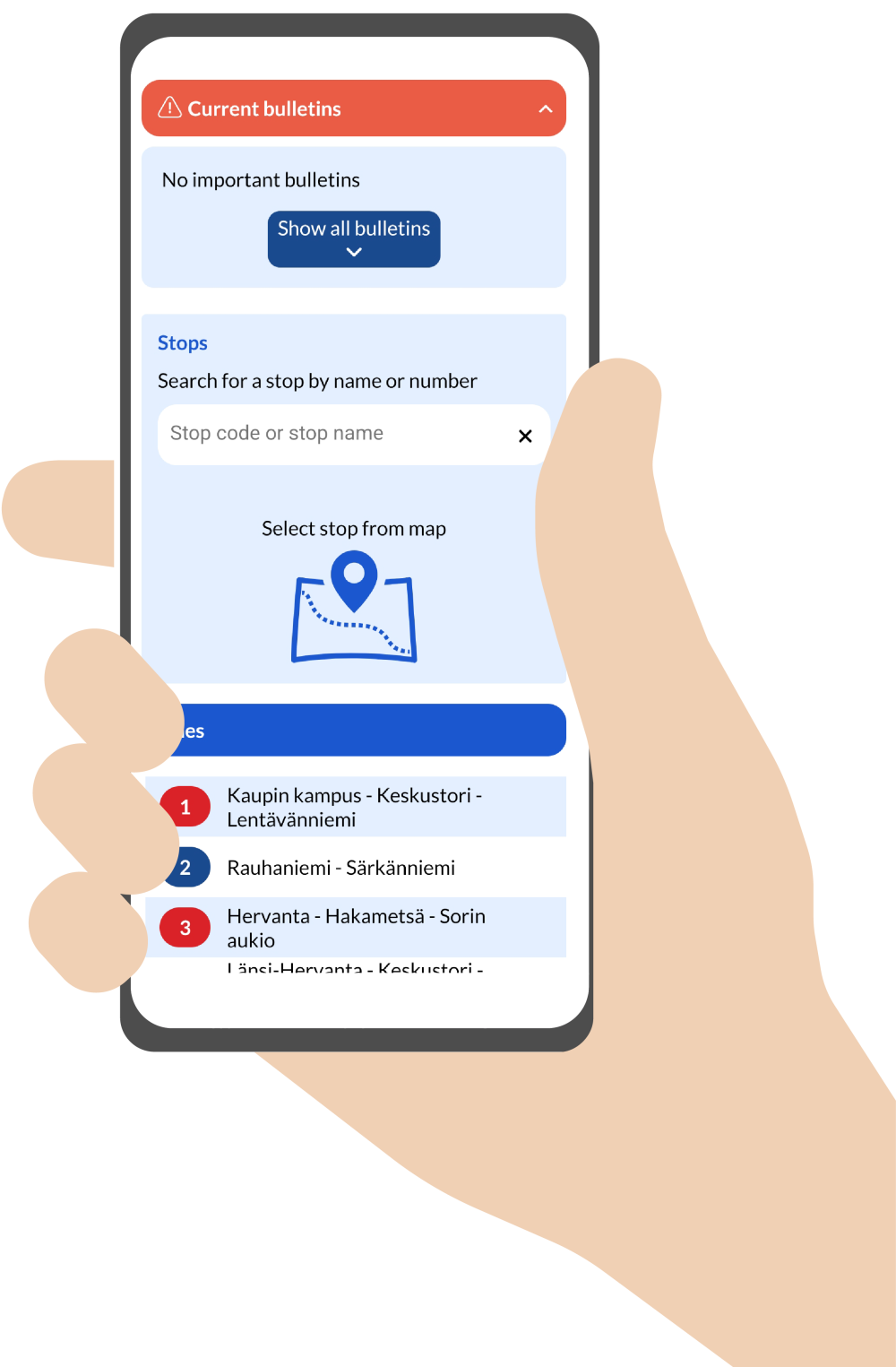
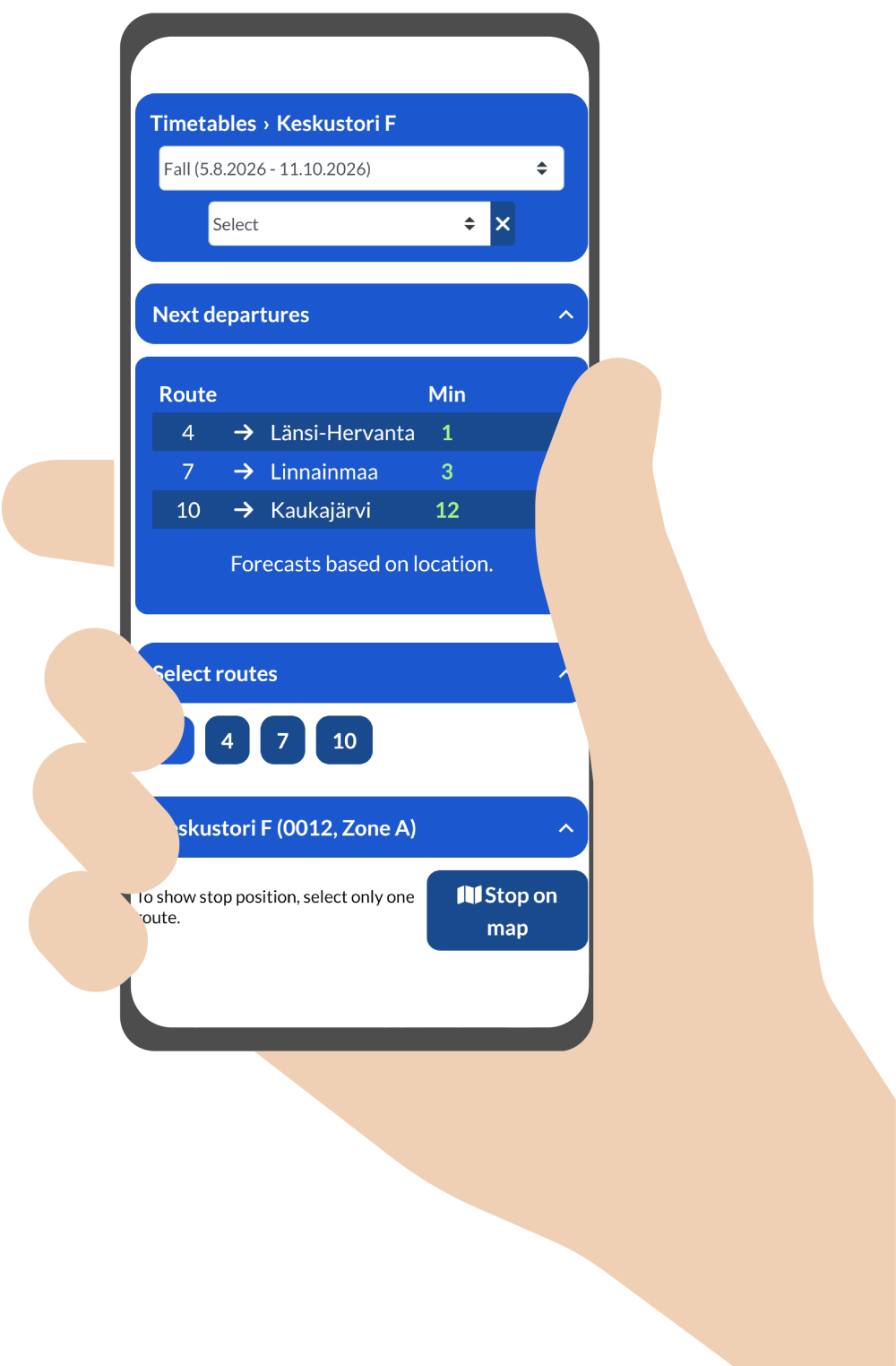
By selecting a specific stop, you can see:
The routes using that stop and their real-time departures.
If a stop is served by multiple routes, you can select one or more routes to be displayed in the schedule for that stop.
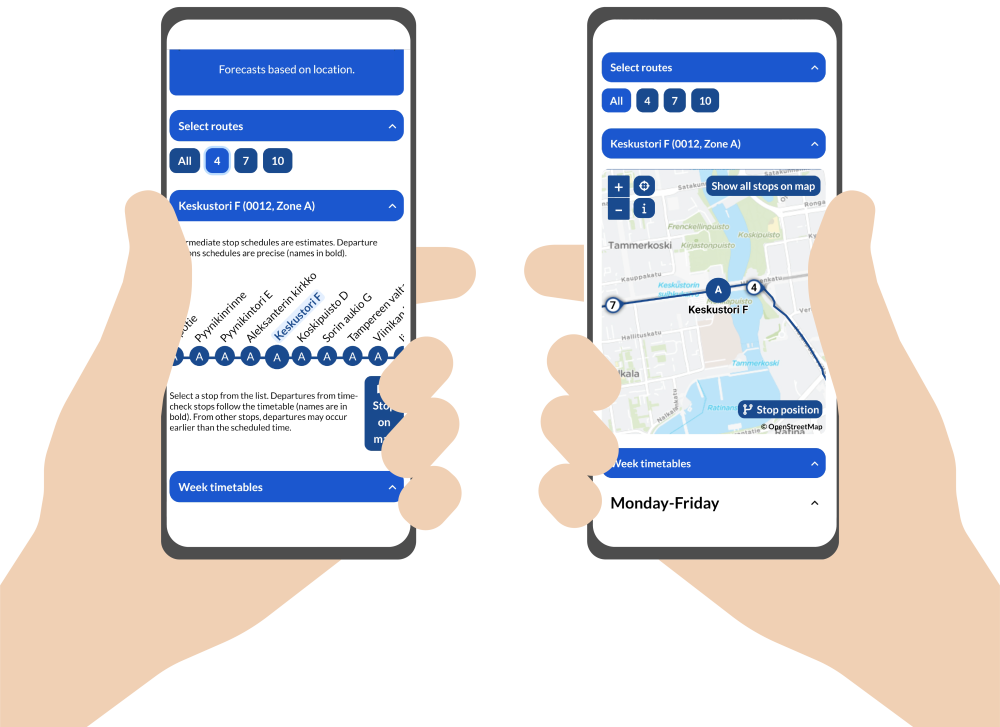
You can also view the location of a stop along the route, either as a ribbon or on a map.
The ribbon-view works only when a single route is selected, while the map displays all selected routes.
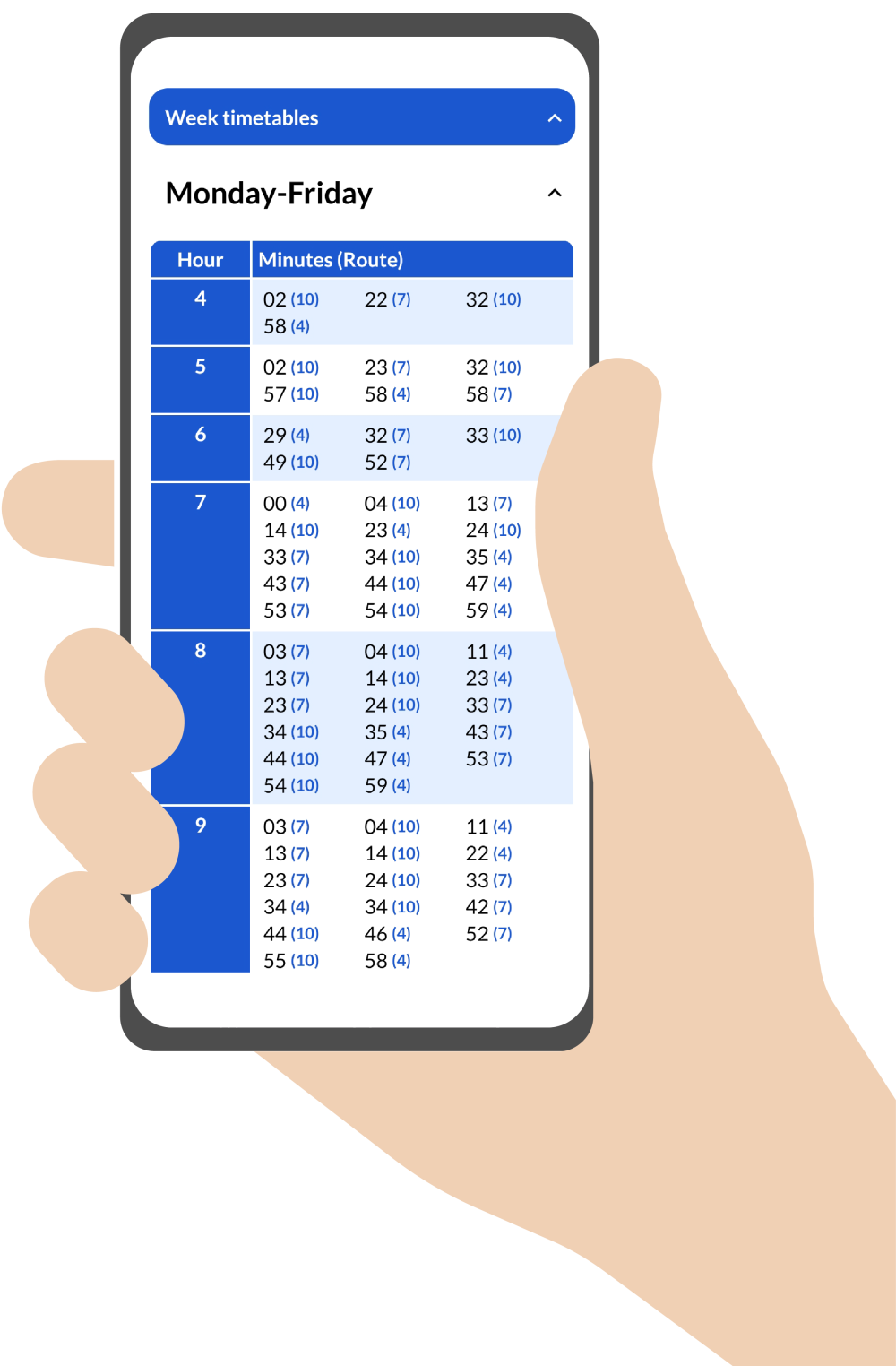
The page for each stop also includes the weekly timetables for that stop.
The timetable shows all routes that serve the chosen stop, which are marked in brackets.
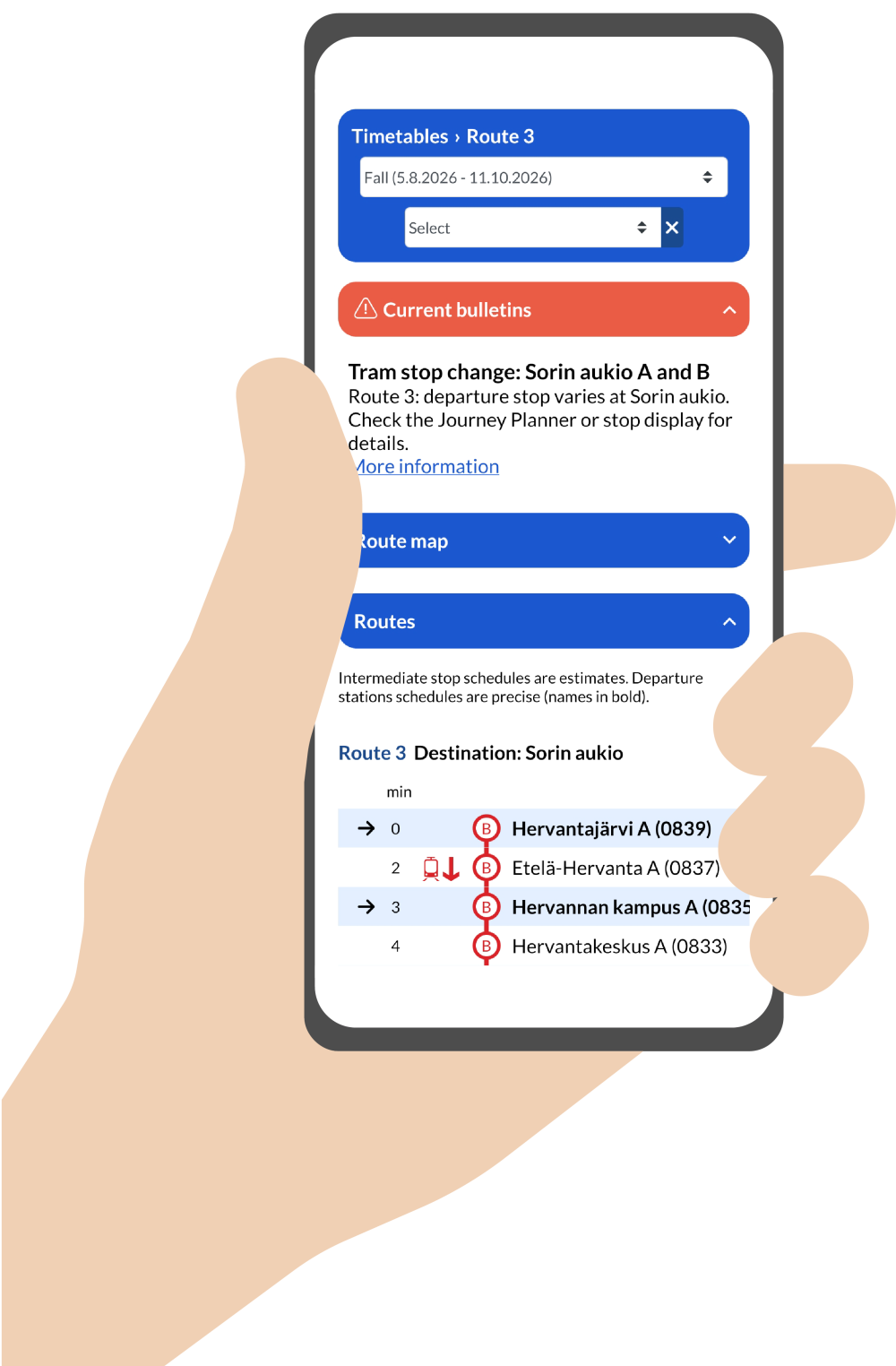
Routes
All routes are found in the lines section.
When you select a route, you'll see more detailed information, such as any service disruptions.
Route timetables
For more information on the schedules of various bus routes, visit the printable timetables service.
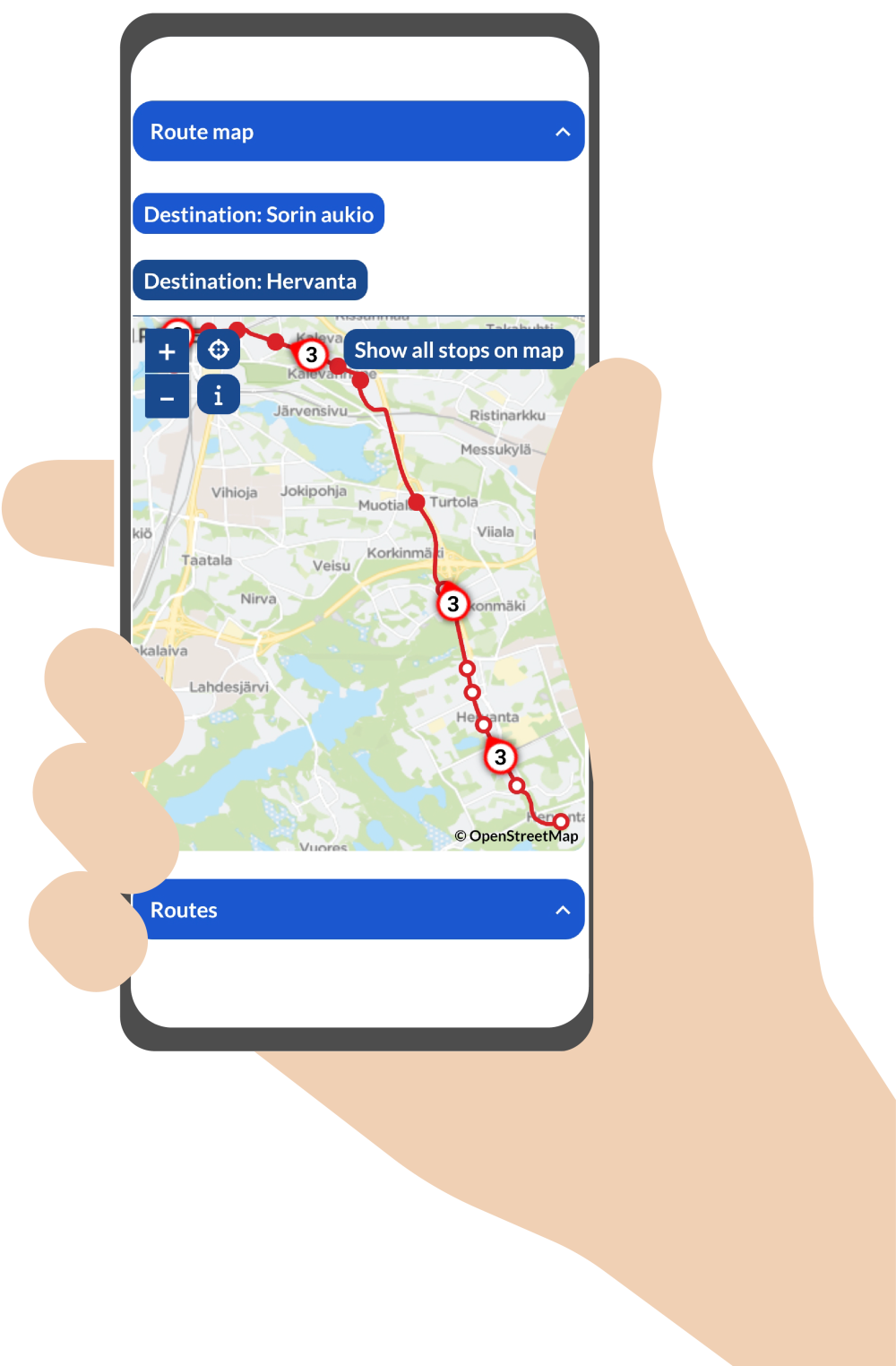
You can view a route's entire itinerary by selecting the route map button and change the direction of travel by selecting your destination from the map buttons.
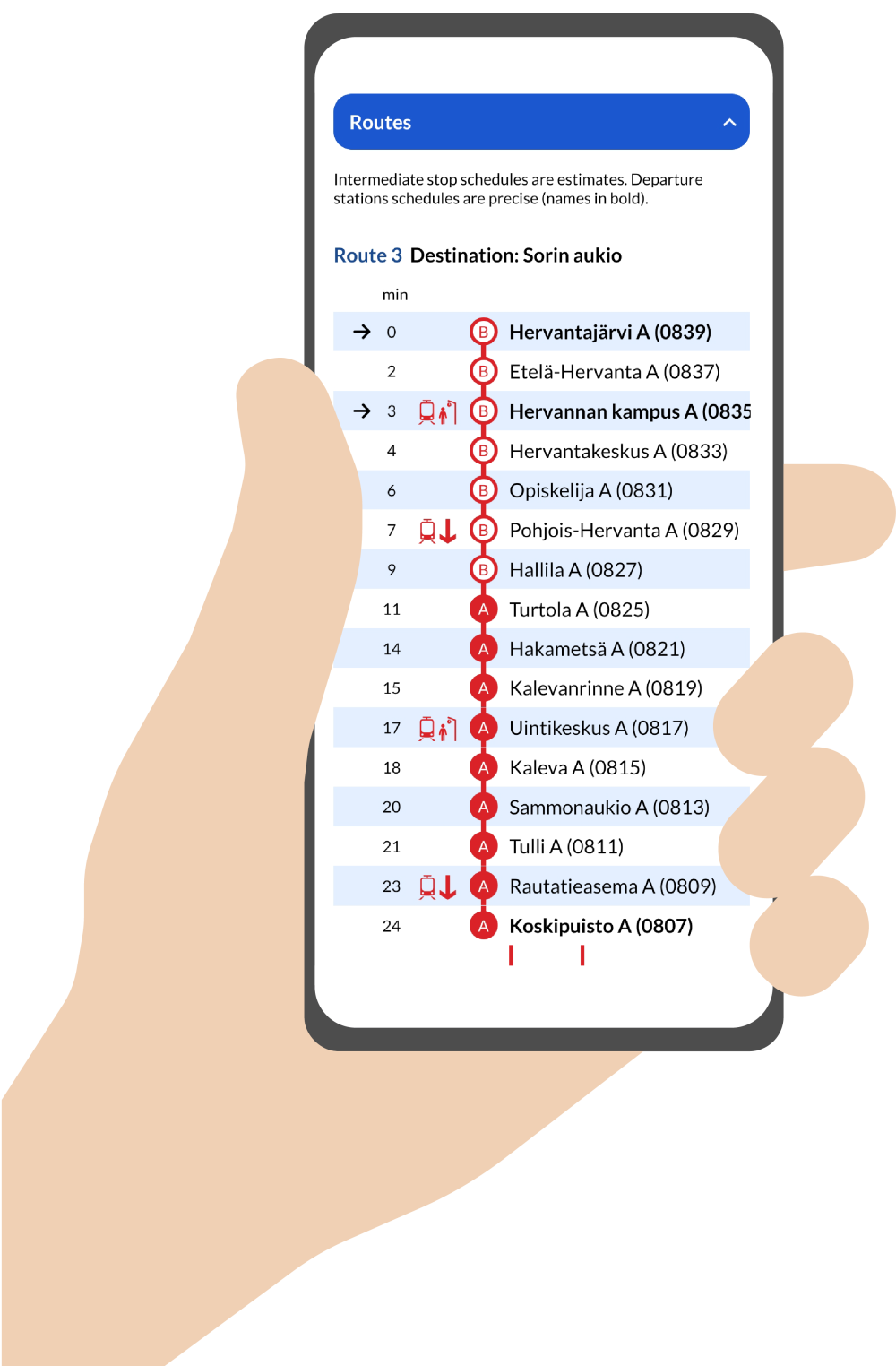
A route's itinerary is also visible in table form under the lines section.
The route diagrams show whether a stop is closed or if there are changes to the route. The real-time locations of the vehicles are also shown on the diagram.


 More information